
Everyday tools in one subscription
Email, files, meetings, and Office apps, together in Microsoft 365.
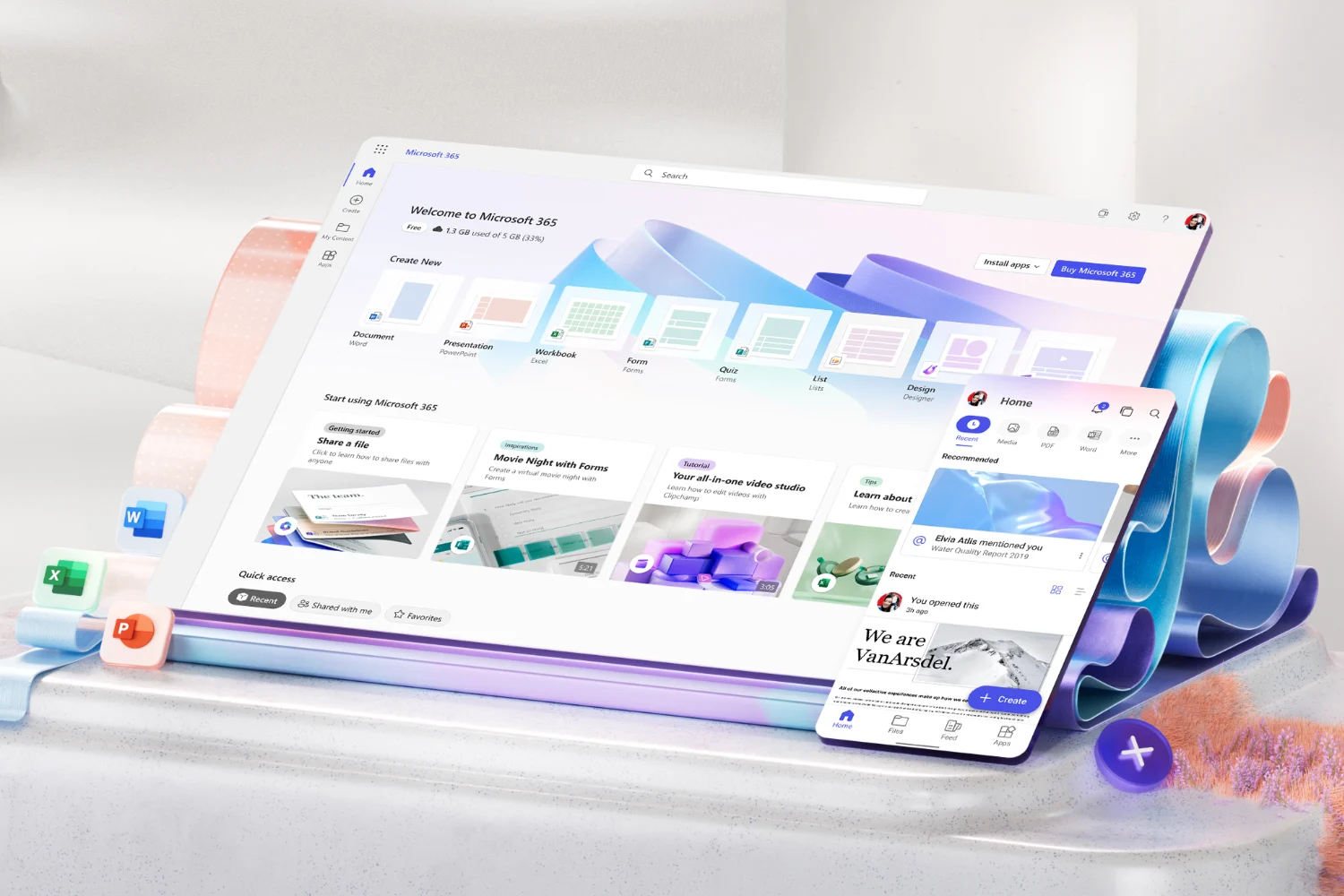
Work together without passing files back and forth
Your team uses email, documents, and meetings every day. Microsoft 365 brings these tools together so people can find information, share it, and work on the same documents.
Use Outlook for email and calendars, Teams for chat and meetings, and Word, Excel, and PowerPoint to prepare your work. Keep shared files organized so colleagues can find the latest version without asking someone to send it.
We help you choose the right licenses, move your email and files, and set up access and security. Your team gets a shared working environment that is easier to use and manage as the company grows.
What your team works with
Outlook and Teams
Manage email, calendars, conversations, and meetings with connected tools. Shared mailboxes help teams respond to customers, and shared calendars make it easier to plan together. Each employee signs in with their own Microsoft account.
SharePoint and OneDrive
Store files where the right people can find them. Colleagues can edit the same document, review its version history, and share a link instead of sending another attachment. We help organize shared documents and set access for employees and outside partners.
Security and device management
Protecting company information also means managing who can open it and which devices they use. We help choose and configure the security features your company needs. Plans such as Business Premium include additional protection and device management tools.
How Microsoft 365 helps day to day
Finance
Keep financial documents together, with access limited to the people who need them.
Prepare budgets in a shared workbook and review changes as colleagues contribute.
Receive invoices in a shared mailbox so work can continue when someone is away.
Sales
Prepare proposals using your company’s templates.
Keep customer documents where the team can find them.
Open the latest price list or proposal from a phone during a meeting.
Management
Review shared reports without requesting another copy.
Work on documents with partners while controlling their access.
Keep decisions and supporting documents available to the people involved.
Administration
Publish company procedures and forms in one shared location.
Keep track of equipment, contracts, and important dates.
Manage shared calendars for meeting rooms and other resources.
Frequently asked questions
Yes. We help move email, contacts, calendars, and files into Microsoft 365. Transfer follows a plan agreed with you, so your business isn’t disrupted.
Yes. We plan the move from Gmail and Google Drive to the appropriate Microsoft 365 services.
Business Basic suits teams that mainly use browser and mobile apps. Business Standard adds desktop Office apps. Business Premium adds security and device management capabilities. Share how your team works, and we’ll recommend the right fit.
No. You can mix licenses across your team. Consult us to match plans to roles and the features each person needs.
Yes. Your team can access email, files, and meetings from computers, tablets, and phones by default.
Their email and files can be retained or handed over to a colleague, so nothing is lost when they go. We help you set this up and agree the process in advance.
Get more from the tools your team already uses
Copilot
Copilot can help with drafting, finding information, and meeting summaries.
Explore Microsoft CopilotPower Automate
Power Automate can handle repetitive steps such as reminders and document routing.
Explore process automationLet's make your working environment easier to manage
Tell us which tools your team uses and what causes problems. We'll help you plan the move to Microsoft 365 or improve the setup you already have.