
Work at the speed of your ideas
Find information, prepare drafts, and catch up on meetings faster with Microsoft 365 Copilot.
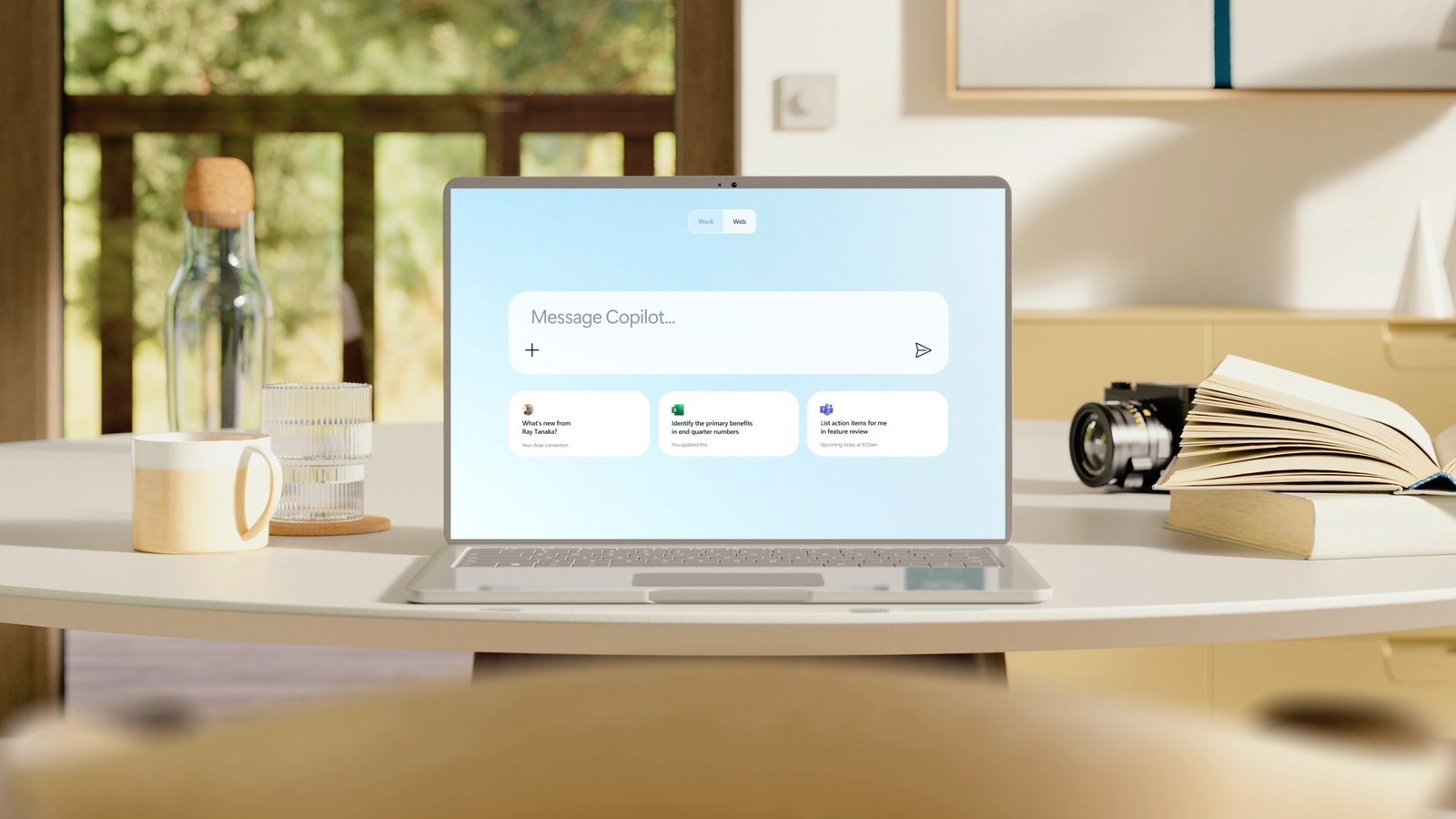
Spend less time searching and starting from scratch
Proposals, reports, emails, and meeting notes all take time to prepare. The information you need is often spread across documents and conversations.
Copilot helps you find relevant information and turn it into a first draft, summary, or answer. You review the result and use it as it is or finish it yourself.
Ways to use Copilot
In Microsoft 365 apps
Use Copilot in tools such as Word, Outlook, Excel, PowerPoint, and Teams. It can help draft a document, prepare a reply, explore data, or summarize a meeting.
In Copilot Chat
Ask a question in everyday language and work through the answer in a conversation. With the appropriate license and access, Copilot can use company information to help answer questions about documents, emails, and meetings. Source links help you check the information it used.
In agents built with Copilot Studio
An agent can focus on a specific task, such as answering questions from approved documents or preparing information for review.
Where Copilot can help your team
Finance
Prepare a draft summary of financial results.
Get help writing an Excel formula.
Find dates, amounts, and obligations in a contract or invoice.
Sales
Draft a proposal using your documents and previous offers.
Turn meeting notes into a follow-up email.
Find information in product documents when preparing an answer for a customer.
Management
Catch up on a meeting from its transcript or notes.
Find previous decisions and agreements in company documents and emails.
Turn rough notes into a clear update for the team.
Administration and operations
Draft a letter to a supplier or customer from your notes.
Prepare a procedure using existing company documents.
Find a document by describing the information you need.
Frequently asked questions
No. Copilot shows each person only the information they are already allowed to open.
Yes. Your team can work with Copilot in Lithuanian.
The license depends on the Copilot features you want and the Microsoft 365 plan you use. You can start with the people whose tasks are best suited to Copilot.
Copilot can make mistakes. Review important facts, figures, and references before using an answer or sending a draft. It helps prepare the work; your team remains responsible for the final result.
Usage reports show whether people are trying Copilot. Feedback from your team shows whether it saves time or improves their work.
Find a useful starting point for Copilot
Tell us what your team spends time reading, writing, or searching for. We'll help identify where Copilot could make a difference and how to get started.